

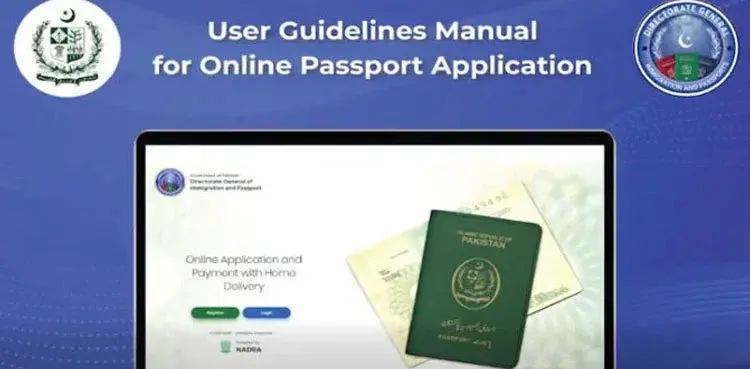
Pakistan Passport Online Application: Step-by-Step Guide
ISLAMABAD: The Directorate General of Immigration & Passports (DGIP Pakistan) now allows Pakistani citizens to apply or renew passports online, eliminating long in-person queues and providing a fully digitized process. The service, available within Pakistan and for overseas Pakistanis, enables users to submit biometric details, documents, and fees through a seamless web system.
Here is the latest 2025 step-by-step guide to completing your Pakistan passport application online.
1. Create an Account on the Official Passport Portal
Visit the DGIP Online Passport Portal and create an account using:
Full name
CNIC/NICOP number
Mobile number
Email verification
You must verify both email and phone to proceed.
2. Log In and Select Your Application Type
Choose the correct category based on your need:
New Passport
Passport Renewal
Reprint (Lost/Stolen)
Modification (Correction)
Executive or Normal service
3. Fill Out the Application Form
Enter:
Personal details (name, date of birth, parents’ names)
CNIC/NICOP details
Address and district of domicile
Passport delivery address
Make sure all information matches NADRA records to avoid rejection.
4. Upload Required Documents
The system will ask for scanned copies of mandatory documents, usually:
CNIC or NICOP (front + back)
Previous passport (for renewals)
Photograph (if prompted; usually captured later)
Guardian’s CNIC for minors
All uploads must be clear and in the required file format.
5. Pay the Passport Fee Online
The portal supports multiple payment methods including:
Credit/Debit Card
Bank transfer
Mobile wallets (where applicable)
Fee varies by:
Validity: 5 or 10 years
Pages: 36, 72, 100
Service Type: Normal or Executive
6. Submit Photograph, Fingerprints & Signature
Applicants within Pakistan may need to visit the nearest passport office for biometric capture unless the system already accepts digital uploads.
Overseas Pakistanis can upload:
Fingerprint form (printed & scanned)
High-resolution biometrics
Signature file
Follow the portal’s exact specifications.
7. Review and Submit the Application
Double-check:
Personal details
Uploaded documents
Biometrics and signatures
Fee confirmation
Once submitted, the application enters verification and processing.
8. Track Your Passport Status
You can track progress through:
Online application dashboard
SMS updates
DGIP helpline
Courier tracking (after dispatch)
9. Passport Delivery
After approval, your passport will be:
Delivered via courier to your selected address, or
Available for pickup at the designated passport office/mission
Delivery time depends on service type and location.
Conclusion
The DGIP’s online passport system offers a streamlined solution for millions of Pakistanis, reducing paperwork, office visits, and waiting times. With digital submissions and doorstep delivery options, applying for or renewing a passport has become faster and more convenient than ever.
Follow Faiz.tv for the latest updates on government services, digital platforms, and citizen guides.