

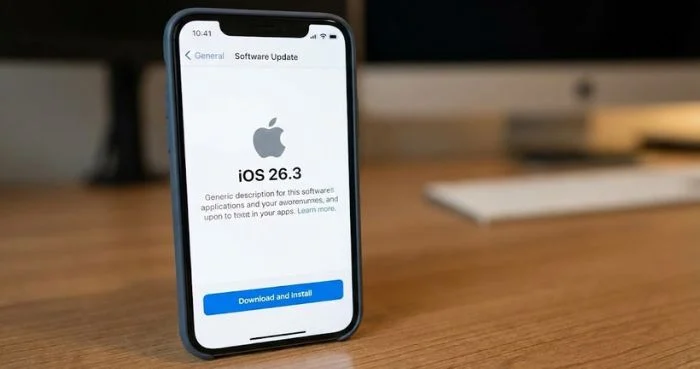
Apple has rolled out iOS 26.3, introducing several new features aimed at improving user experience. Notably, the update simplifies the process for iPhone users who want to switch to Android devices.
The update also includes enhanced security patches, bug fixes, and performance improvements, reflecting Apple’s commitment to user safety and flexibility.
Background and Context
Apple regularly updates iOS to introduce new features, fix vulnerabilities, and enhance system stability. The iOS 26.3 release follows the iOS 26.2 update, which primarily focused on bug fixes and minor interface improvements.
With increasing competition from Android devices, Apple now provides tools that allow users to migrate data more easily, including contacts, photos, and apps.
Key Features of iOS 26.3
According to Apple, iOS 26.3 includes:
- Simplified switch to Android: Users can now transfer their contacts, messages, photos, and apps seamlessly.
- Improved security: Patches for multiple vulnerabilities that could compromise device safety.
- System performance upgrades: Faster app launch times and better battery management.
- User interface tweaks: Enhanced notifications and smoother multitasking.
Additionally, Apple encourages all users to install the update promptly to benefit from security enhancements.
Industry and User Reactions
Tech analysts noted that making the switch to Android easier is a significant move, signaling Apple’s acknowledgment of increasing market competition.
Many users appreciated the enhanced migration tools, as it reduces friction for those considering switching devices. Social media reactions highlighted the convenience and speed of the new data transfer process.
Global Impact
The update is available worldwide for compatible iPhone models. Analysts suggest that the easier Android migration could influence consumer decisions in markets where Android dominates.
Apple’s strategy appears to focus on transparency and flexibility, allowing users to maintain control over their device choice.
What Happens Next?
Apple will likely continue refining iOS features and improving compatibility for cross-platform usage. Users can update their devices through Settings → General → Software Update.
Experts recommend backing up data before initiating updates or device transfers to avoid any loss.
Conclusion
The iOS 26.3 update enhances security, performance, and usability while providing a smoother path for iPhone users to switch to Android devices. Apple’s move reflects a focus on user freedom and adapting to competitive market trends.
For the latest updates on Apple products and tech news, stay tuned to Faiz.tv.